
What is a CMS?
What exactly is a CMS or Content Management System? How do you get one? And once you have one, how do you use it?
A CMS is a bit of web software that allows a user, mostly with no web programming skills, to add and delete web pages from a website using a simple and intuitive interface. Adding a web page with a CMS requires little or no HTML skills and is as simple as sending an email!
CMS's can be really simple or can be vastly intricate. They can also be free or they can cost hundreds of thousands. But don't assume that 'free' means 'not as good' as the commercial products. The three best CMS's on the market are totally free!
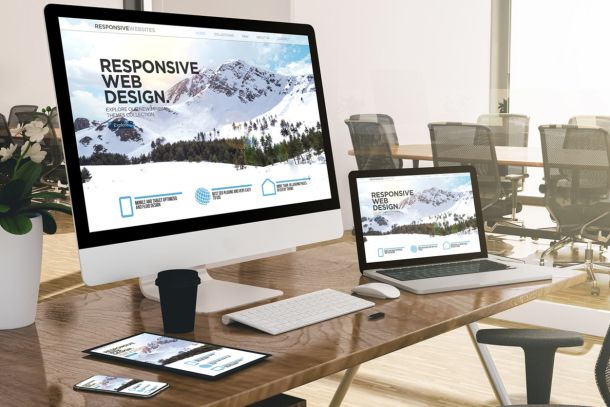
Responsive Design is more than just moving modules.
Responsive design. It's all well and good. Your site adjusts to the screen size, and your users get a good mobile experience, without having two or even three separate websites. But truly mobilising your site takes more thought.
Why would someone view your site on their mobile? What info do they need? What do you want to offer them and why are they different from your desktop computer users?
Tablet users? What do they need? What's the best way to interact with them?
All these questions need consideration when venturing into responsive design.

There are no SEO guarantees, only good practice.
As the digital landscape continues to evolve, it's essential to keep up with the latest trends and best practices to ensure your website ranks well on search engines. However, SEO is not a one-size-fits-all approach, and there are no guarantees of success. This article will discuss the importance of good SEO practices and the factors that influence search engine rankings.

Wordpress SEO Vs Joomla SEO
What CMS is better for SEO, Joomla or Wordpress? Lets clear up a few misconceptions shall we? SEO and CMS are not now, nor were they ever, causally connected.
You don't need to use a CMS to build a perfectly SEO'd website and therefore your choice of CMS has no real baring on your SEO strategy. To use a house as an analogy... whether you build your own house (HTML website) or you build on from set blue prints (CMS website) you'll still be dry when it rains...!
The old Joomla vs Wordpress debate boils down how easy it is for an admin to SEO the site they are building. The debate is usually focused on "out of the box" features... How does the router build URLS? How does site structure work in each CMS? Those sort of questions.